
When your email list is still under 1,000 subscribers, choosing an email marketing tool is less about advanced capabilities and more about making a sound, low-risk decision that supports learning and consistency.
At this stage, most people overestimate what they need. As a result, they select tools built for scale, automation, and revenue tracking—long before those needs exist. This creates unnecessary complexity, higher costs, and early platform lock-in.
This article explains how to choose an email marketing tool specifically for early-stage lists, focusing on practical decision criteria rather than features or brands.
- 1. Why Tool Selection Is Different Below 1,000 Subscribers
- 2. Clarifying Your Actual Email Needs
- 3. Core Capabilities That Matter at This Stage
- 4. Capabilities That Add Little Value Early On
- 5. Usability vs. Flexibility: Making the Right Trade-off
- 6. Deliver-ability and Compliance Considerations
- 7. Pricing Structure and Growth Risks
- 8. Data Control and Exit Safety
- 9. A Simple Decision Framework
- 10. Final Perspective
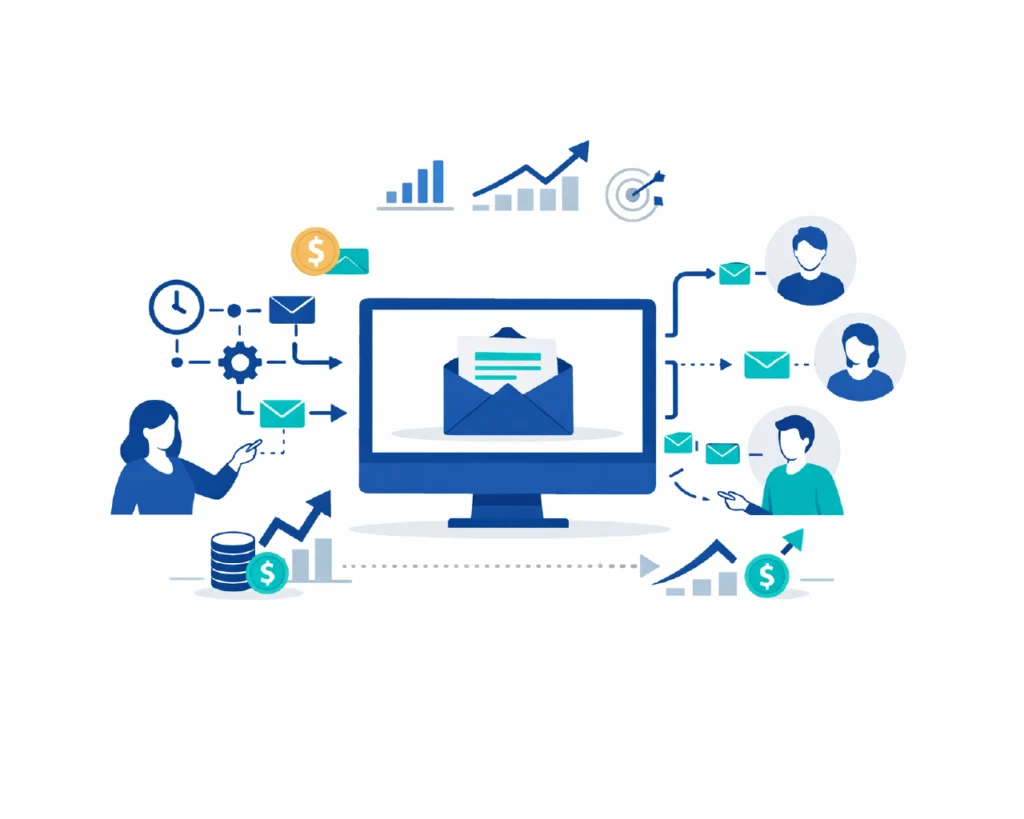
This guide walks you through a clear, step-by-step checklist to choose the right email marketing software for your small business—without jargon, confusion, or wasted money.
1. Why Tool Selection Is Different Below 1,000 Subscribers
Early-stage email lists operate under different constraints:
- Engagement patterns are still forming
- Content consistency matters more than optimization
- Automation provides limited marginal benefit
- Budget mistakes compound quickly
Your primary objective is not scale. It is clarity, stability, and habit formation.
A tool that works well now but can be replaced later is often a better choice than a powerful system you grow into slowly—or never fully use.
2. Clarifying Your Actual Email Needs
Before evaluating any platform, define what you will realistically do over the next 3–6 months.
For most lists under 1,000 subscribers, usage looks like:
- Sending occasional newsletters or updates
- Managing one primary list
- Capturing subscribers through one or two opt-in forms
- Sending a simple welcome or onboarding sequence
If this describes your situation, complex automation builders, advanced segmentation, and revenue analytics are not essential.
3. Core Capabilities That Matter at This Stage
3.1 Simple Subscriber Management
Your tool should make it easy to:
- Add and remove subscribers
- Import and export contacts
- Apply basic tags or labels
If managing your list feels confusing, the tool is misaligned with your current stage.
3.2 Reliable Email Creation
Email creation should be:
- Fast
- Predictable
- Mobile-friendly by default
A clean editor that avoids formatting errors is more valuable than extensive design customization early on.
3.3 Basic Automation Only
At this stage, automation should be limited to:
- A welcome email
- A short on-boarding sequence
- Simple time-based follow-ups
Advanced conditional logic rarely improves outcomes when list size and data signals are limited.
4. Capabilities That Add Little Value Early On
Some features are commonly marketed but offer minimal benefit under 1,000 subscribers:
- Multi-branch automation workflows
- Behavioral scoring systems
- CRM style pipelines
- Revenue attribution dashboards
These features increase setup time and cognitive load without improving results proportionally.
5. Usability vs. Flexibility: Making the Right Trade-off
Early-stage tools should prioritize usability.
A good rule of thumb:
- If common tasks require tutorials, the tool is likely overbuilt for your needs
- If basic actions are obvious, the tool is probably well-aligned
Flexibility matters—but not at the expense of clarity and speed.
6. Deliver-ability and Compliance Considerations
Even small lists benefit from good deliverability practices.
Ensure the tool supports:
- Permission-based signups
- Basic unsubscribe handling
- Bounce and complaint feedback
You do not need advanced analytics, but you do need a platform that treats email reputation responsibly.
7. Pricing Structure and Growth Risks
Early pricing can be misleading.
When evaluating cost, consider:
- Subscriber thresholds that trigger upgrades
- Feature restrictions at lower tiers
- Whether pricing scales gradually or jumps sharply
A predictable pricing model reduces pressure as your list grows.
8. Data Control and Exit Safety
Early-stage users should plan for change.
Confirm that you can:
- Export subscribers easily
- Retain tags or labels during export
- Leave the platform without penalties or delays
Choosing a tool that respects data portability reduces long-term risk.
9. A Simple Decision Framework
Before committing, ask:
- Can I set this up and send an email within 30 minutes?
- Does it support my next 6 months without forcing upgrades?
- Is it easy to leave if my needs change?
- Does it stay out of the way of writing and sending emails?
If the answer to any of these is no, reconsider.
10. Final Perspective
When your email list is under 1,000 subscribers, the right email marketing tool is not the most powerful one. It is the one that:
- Reduces friction
- Encourages consistency
- Keeps costs and complexity low
- Allows flexibility later
Think of this choice as temporary infrastructure, not a long-term commitment. The goal is to learn, communicate clearly, and grow steadily—everything else comes after.